How do I attach images or files to a repair order?
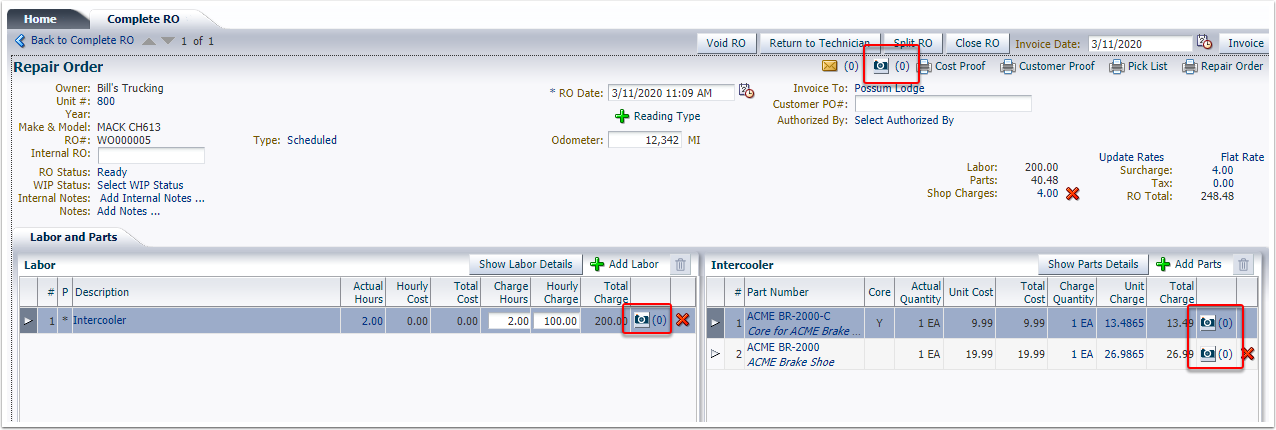
Images or files can be attached to a repair order, or to
individual activities or parts. Click on
any of the camera icons to attach an image or file.
In the pop-up window, click Choose File.
Browse to the folder when the file/image is store,
select it, and click Open.
Click Upload.
Example of uploaded image: